Get started
WriteKit plugs into your AI assistant. You tell it what to write, it publishes to your site. No clicking around a dashboard, no copy-pasting Markdown into forms.
The setup is four steps. Takes about two minutes.
1. Connect your AI
Pick your tool below and run the command (or paste the config). This tells your AI about WriteKit.
claude mcp add --transport http --scope user writekit https://mcp.writekit.devAdd to .cursor/mcp.json:
{
  "mcpServers": {
    "writekit": {
      "url": "https://mcp.writekit.dev"
    }
  }
}
Add to your Windsurf MCP config:
{
  "mcpServers": {
    "writekit": {
      "url": "https://mcp.writekit.dev"
    }
  }
}
Add to .vscode/mcp.json:
{
  "servers": {
    "writekit": {
      "type": "http",
      "url": "https://mcp.writekit.dev"
    }
  }
}
Add to opencode.json:
{
  "mcp": {
    "writekit": {
      "type": "remote",
      "url": "https://mcp.writekit.dev"
    }
  }
}
Point any Streamable HTTP MCP client at:
https://mcp.writekit.dev2. Sign in
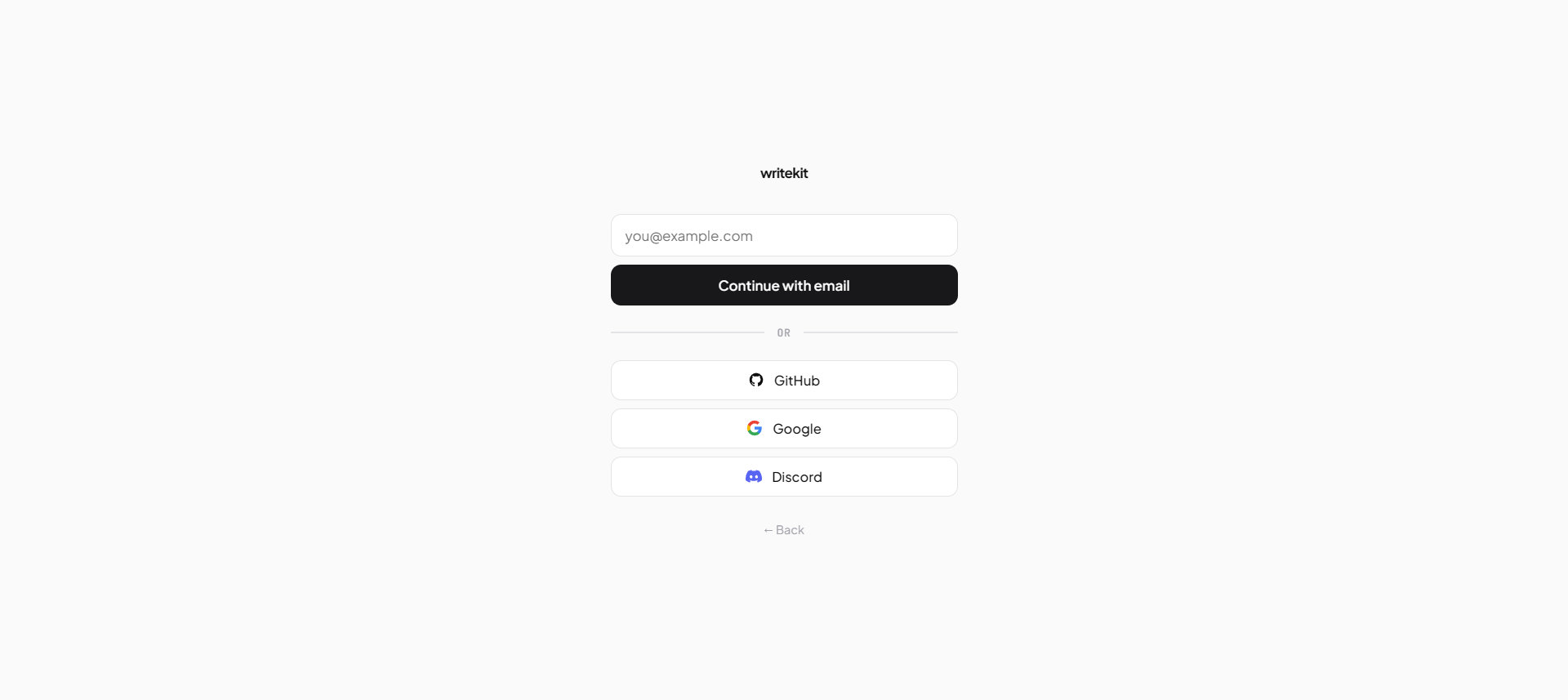
The first time your AI tries to use WriteKit, a browser tab opens and walks you through OAuth. Pick how you want to sign in — GitHub, Google, Discord, or email — approve the connection, and the tab hands control back to your AI.
Under the hood: MCP authenticates with OAuth 2.0 + PKCE. No API keys to copy around, no tokens in config files. Your AI gets a scoped token you can revoke any time from site settings.
3. Pick a subdomain
After signing in, you'll pick a name for your site. Your pages will
live at yourname.writekit.dev. You can rename it later
(the MCP tool rename_subdomain handles it and sets up a
redirect from the old URL), or attach a
custom domain.
4. Start writing
You're done. Now just talk to your AI.
Try it: Ask your AI — "Write a short post about why I love Go, and publish it."
Your AI will create the page, show you a preview link, and publish once you're happy with it. You never touch a form.
The writing loop
Every page follows the same flow:
- Ask. Tell your AI what to write. It creates a draft and returns a preview link.
- Preview. Open the link — it reloads automatically as the AI edits.
- Iterate. "Make it shorter." "Add a section on X." "Change the tone." The AI edits, the preview updates.
-
Publish. Say "publish it." Your page goes live at
yourname.writekit.dev/{slug}.
Live preview
The preview page holds an open server-sent-events connection to
/preview/{token}/events. When your AI calls
update_page, the server pushes a rendered
signal and the tab refreshes itself — no F5, no polling, no manual
URL swapping. Leave the preview open in a side panel while you chat
and it will keep showing the latest version automatically.
Versions & rewinding
Every edit is saved as a version (v1, v2, v3…). You don't have to
think about ?v=N during a normal write-and-iterate loop
— the preview tab auto-reloads to the latest on every edit via SSE
(see Live preview).
?v=N only matters when you want to
rewind to an earlier revision. Add it to any
preview or published page URL:
yourname.writekit.dev/preview/{token}?v=3
The tab will stay pinned to that version across auto-reloads (the
query string sticks), so you can compare old against new side by
side. When an edit made things worse, the simplest flow is to tell
your AI: "go back to v3 and continue from there" — it calls
update_page with the v3 content and you're back on the
live cycle.
Core concepts
Pages
A page is one piece of writing. A post, a doc, a recipe — whatever. Pages have a title, slug, content (Markdown), an optional excerpt, a list of tags, a visibility setting, and a status (draft or published). They can live on their own or inside a collection.
Drafts never appear on the live site — not in the index, not at their slug URL, not in search. The only way to see a draft is through its preview URL, which your AI hands back when it creates or updates the page. Preview URLs are capability-based: anyone with the link can view (no sign-in needed), and they expire 24 hours after the token is issued. Share them like you'd share a private Google Doc link — convenient, but don't post them publicly.
Collections
Collections are folders. Group related pages together — a tutorial series, a docs set, a changelog. Pages can also live on their own, outside any collection.
Collections can be ordered manually (good for docs in a learning order) or by date (good for changelogs). They also have their own visibility — marking a collection private hides every page inside it, regardless of each page's own setting.
Tags
Tags are free-form labels attached to a page. Use them for topics
(go, design), types
(tutorial, opinion), or anything else.
-
Tag index:
yourname.writekit.dev/tags— every tag on your site with a count. -
Per-tag page:
yourname.writekit.dev/tag/{slug}— every page with that tag. -
list_pagestakes atagfilter, so you can ask things like "show me every draft tagged 'cooking'."
Visibility
Every page and every collection has a visibility setting:
- Public — anyone can see it. Listed in your index, sitemap, and search.
- Unlisted — only people with the link. Hidden from the index, sitemap, and search.
- Private — only signed-in team members. Everyone else gets a 404.
Visibility only applies to the live URL of a
published page or collection. Drafts never appear anywhere publicly
regardless of setting — they're reachable only through a preview
URL, which is token-based and ignores visibility (anyone with the
link gets in). If something is truly sensitive, don't share the
preview link; publish it with private visibility
instead, which requires team-member sign-in.
Teams
Every site has a team. Invite anyone by email — they don't need a WriteKit account yet. They'll get an email with a link, and create an account on the spot when they accept. Invitations expire after 14 days. Three roles:
- Owner — full control: billing, settings, everyone, everything. Owners invite new members, change roles, and rename the subdomain.
- Editor — can write, publish, and delete pages and collections. Can see private content.
- Viewer — read-only. Can see private content but can't change it.
URLs
Every site URL pattern you'll hit:
- Home / index:
yourname.writekit.dev/ -
Index pagination:
yourname.writekit.dev/page/{num} - Standalone page:
yourname.writekit.dev/{slug} - Collection:
yourname.writekit.dev/{collection} -
Page in collection:
yourname.writekit.dev/{collection}/{slug} -
Raw Markdown: add
.mdto any page URL —/{slug}.mdor/{collection}/{slug}.md. - Tag index:
yourname.writekit.dev/tags - Per tag:
yourname.writekit.dev/tag/{slug} -
Preview (drafts and iterating):
yourname.writekit.dev/preview/{token}, optional?v=N. -
Search (JSON, for clients):
yourname.writekit.dev/search.json?q={query}. Day to day, ask your AI to search — it callssearch_pages. -
OG images:
yourname.writekit.dev/og/{slug}.pngand/og/{collection}/{slug}.png— auto-generated social previews. -
/robots.txtand/sitemap.xml— generated from your public pages.
MCP tools — Pages
Tools your AI calls once WriteKit is connected. You don't call these directly — your AI does, when you ask for things.
| Tool | What it does |
|---|---|
create_page |
Make a new draft. Returns a preview URL. |
update_page |
Change any field on an existing page (partial updates). Bumps the
version and returns the preview URL with ?v=N.
|
append_to_page |
Add content to the end without resending everything. |
delete_page |
Delete for good. |
publish_page |
Go live — returns the public URL. |
unpublish_page |
Move back to draft. |
list_pages |
List pages. Filter by status, visibility, tag, or collection. |
get_page |
Fetch a page's full content and metadata. |
search_pages |
Full-text search across your site. |
MCP tools — Collections
| Tool | What it does |
|---|---|
create_collection |
Make a new collection (title, slug, sort order, visibility). |
update_collection |
Rename, re-slug, change sort order, change visibility. |
delete_collection |
Delete (pages inside become standalone). |
list_collections |
List all with page counts. |
get_collection |
Details plus the pages inside. |
reorder_pages |
Set manual page order within a collection. |
MCP tools — Settings
| Tool | What it does |
|---|---|
get_settings |
Current site settings (title, description). |
update_settings |
Change site title or description. |
rename_subdomain |
Rename your site (e.g. foo → bar). The
old URL redirects to the new one. Owners only.
|
MCP tools — Team
| Tool | What it does |
|---|---|
list_members |
Show all team members with roles. |
invite_member |
Invite someone by email — account or not (owner only). |
list_invitations |
Show pending invitations. |
resend_invitation |
Send a fresh link and extend expiry (owner only). |
revoke_invitation |
Cancel a pending invitation (owner only). |
remove_member |
Remove a member (owner only). |
update_member_role |
Change a member's role (owner only). |
MCP resources
Read-only context your AI can pull at any time — useful for "what's going on with my site right now?" questions.
| URI | What you get |
|---|---|
writekit://site/stats |
Published page count, draft count, collection count. |
writekit://site/settings |
Current site settings. |
writekit://site/recent-pages |
Last 10 published pages. |
writekit://site/drafts |
All drafts. |
writekit://site/collections |
All collections with page counts. |
MCP prompts
Prompts are pre-baked templates your AI can invoke to kick off a task with sensible structure.
| Prompt | What it does |
|---|---|
write_page |
Scaffold a new page from a topic, optional
audience, and optional style (tutorial,
opinion, guide…).
|
Markdown
Pages are written in Markdown. On top of the basics, you get:
- GitHub Flavored Markdown — tables, strikethrough, auto-links, task lists.
-
Syntax highlighting — fenced code blocks with a
language tag (
```go,```python, etc.). Every block gets a copy button. -
Callouts —
> [!NOTE],> [!TIP],> [!WARNING],> [!DANGER]. -
Embeds —
<embed src="url" />for YouTube, Spotify, SoundCloud, Twitter/X, GitHub Gists. -
Diagrams —
```d2blocks render as architecture diagrams. -
Images —
, with a lightbox on click. - Footnotes, auto heading IDs, and raw HTML when you need it.
Custom domain
Want pages to live at yourname.com instead of
yourname.writekit.dev? Add a domain in site settings,
then point a CNAME at cname.writekit.dev. A certificate
is issued automatically and your site becomes reachable at the custom
domain — the original subdomain keeps working too.
DNS takes a few minutes to propagate. Until it does, settings will show a "not verified yet" status next to the domain.
Self-hosting & desktop
WriteKit ships as two things from one codebase:
- Hosted — what you're reading about now. Postgres for accounts and tenancy, per-site SQLite for content, OAuth for MCP auth.
- Desktop — a local-first Wails app. Single SQLite file under your user data directory, no accounts, no subdomains. The MCP endpoint runs on loopback so your local AI can connect without OAuth.
Both builds speak the same MCP protocol and share the same tools, resources, and prompts — so every example above works the same in desktop mode, just pointed at the loopback URL the desktop app prints on launch.