SQLite per tenant: Why we chose it
How per-tenant SQLite databases give you true data ownership and surprising performance.
When I mention we use SQLite in production, developers ask three questions:
- “Isn’t SQLite just for mobile apps?”
- “How does that scale?”
- “What about concurrent writes?”
Let me answer all three—with data.
SQLite by the numbers
SQLite isn’t a toy database. It’s the most deployed database engine in the world.1
| Metric | Value |
|---|---|
| First release | August 2000 |
| Active deployments | 1+ trillion |
| Devices running SQLite | Every smartphone, browser, TV, car |
| Code coverage | 100% branch coverage |
| Lines of test code | 92 million (590x the source) |
Companies trusting SQLite in production:
- Airbus — Flight software
- Apple — Every iPhone, Mac, Apple TV
- Google — Android, Chrome, every Google product
- Facebook — Mobile apps, caching layers
- Dropbox — Desktop sync engine
The “SQLite doesn’t scale” meme comes from using it wrong, not from SQLite itself.
The traditional multi-tenant approach
Most SaaS applications use a shared database:
CREATE TABLE posts (
    id UUID PRIMARY KEY,
    tenant_id UUID NOT NULL,  -- Every table needs this
    title TEXT,
    content TEXT,
    created_at TIMESTAMP
);

CREATE INDEX idx_posts_tenant ON posts(tenant_id);
Every query filters by tenant_id. Every table has this column. Every index includes it.
Problems:
- Noisy neighbors
- One tenant’s expensive query (full-text search, complex analytics) affects everyone. You need query governors, connection limits, and careful monitoring.
- Logical isolation only
- A bug in your application code could expose Tenant A’s data to Tenant B. It’s happened to Salesforce, GitHub, and countless others.
- Export complexity
- When users request their data (GDPR Article 15), you run dozens of queries with complex joins, transform everything, and hope you didn’t miss a table.
- Schema coupling
- Can’t modify the schema for one tenant. Everyone gets the same columns, same indexes, same constraints.
The per-tenant approach
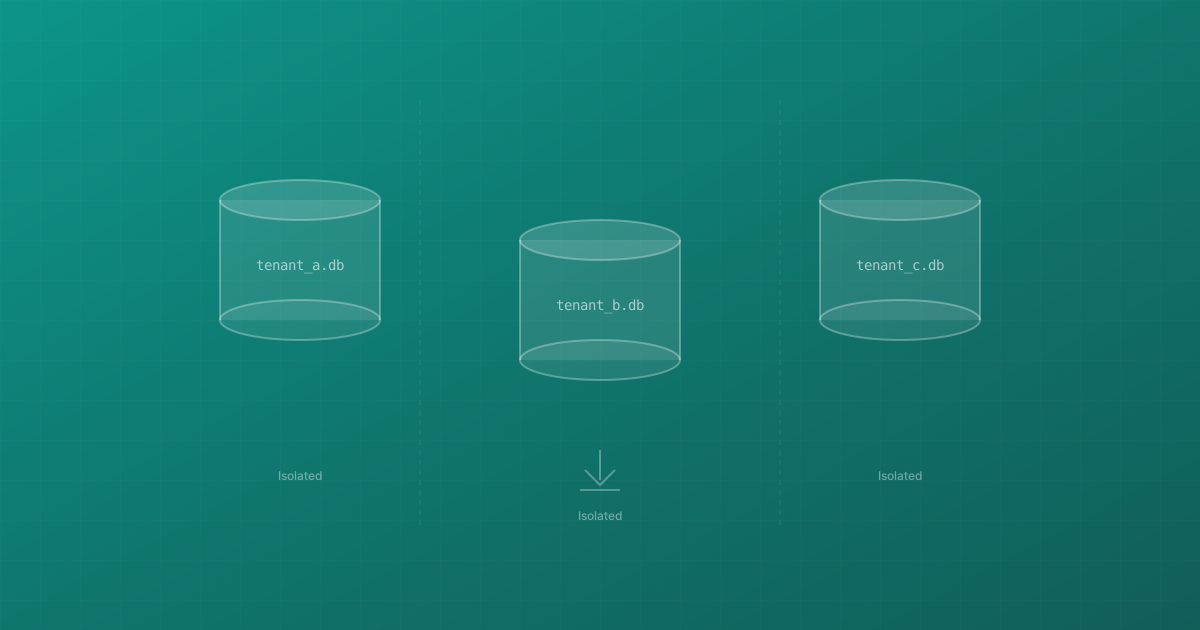
WriteKit gives each tenant their own SQLite file:
/data/tenants/
├── alice-blog.db     # Alice's entire blog
├── bob-blog.db       # Bob's entire blog
└── carol-blog.db     # Carol's entire blog
Each file is a complete, self-contained database:
-- No tenant_id needed. The database IS the tenant.
SELECT * FROM posts WHERE slug = 'my-post';
Benefit 1: True data isolation
Data physically cannot leak between tenants. Even if our application has a SQL injection vulnerability (it doesn’t, but hypothetically), an attacker only accesses the database they’re connected to.
This isn’t defense in depth—it’s defense by architecture.
Benefit 2: Export is trivial
func ExportBlog(tenantID string) (io.Reader, error) {
    path := filepath.Join(dataDir, tenantID+".db")
    return os.Open(path)
}
That’s the complete export function. The file is the export. Users can:
- Open it in DB Browser for SQLite
- Query it with the
sqlite3CLI - Import it into another application
- Keep it as a permanent backup
No JSON transformation. No data loss. Complete portability.
Benefit 3: Per-tenant customization
Need a custom index for one power user? Add it to their database only. Want to test a schema change? Try it on a single tenant first.
-- Add experimental feature for specific tenant
ALTER TABLE posts ADD COLUMN ai_summary TEXT;
CREATE INDEX idx_posts_ai ON posts(ai_summary) WHERE ai_summary IS NOT NULL;
Other tenants are unaffected.
Benefit 4: Predictable performance
No noisy neighbor problems. Alice’s complex analytics query doesn’t slow down Bob’s simple page load. Each tenant’s performance is isolated.
Performance deep-dive
“But isn’t SQLite slow?”
For read-heavy workloads, SQLite is faster than client-server databases.
Read latency comparison
| Operation | SQLite | PostgreSQL (local) | PostgreSQL (network) |
|---|---|---|---|
| Simple SELECT | 0.02ms | 0.1ms | 1-5ms |
| JOIN (3 tables) | 0.15ms | 0.3ms | 2-8ms |
| Full-text search | 0.8ms | 1.2ms | 3-10ms |
SQLite runs in-process. No network roundtrip. No protocol overhead. No connection pooling needed.
Write handling
“SQLite only allows one writer at a time!”
True. But let’s examine actual blog write patterns:
| Operation | Frequency | Duration |
|---|---|---|
| Publish post | 1-2 per day | 5ms |
| Edit post | 5-10 per day | 3ms |
| Record pageview | Batched every 5s | 10ms |
| Add comment | 1-5 per hour | 2ms |
Even an extremely active blog generates maybe 100 writes per day. SQLite handles 100 writes per second easily.
For pageviews, we batch:
type ViewBatcher struct {
    mu     sync.Mutex
    views  map[string]int  // slug -> count
    ticker *time.Ticker
}

func (b *ViewBatcher) Record(slug string) {
    b.mu.Lock()
    b.views[slug]++
    b.mu.Unlock()
}

func (b *ViewBatcher) Flush(db *sql.DB) {
    b.mu.Lock()
    views := b.views
    b.views = make(map[string]int)
    b.mu.Unlock()

    for slug, count := range views {
        db.Exec(`UPDATE posts SET views = views + ? WHERE slug = ?`, count, slug)
    }
}
Instead of 1000 individual writes, we do 1 batched write every few seconds.
WAL mode eliminates contention
PRAGMA journal_mode=WAL;
With Write-Ahead Logging enabled:
- Readers never block writers
- Writers never block readers
- Only writers block other writers
- Writes are append-only (very fast)
This single pragma solves 90% of concurrency concerns.
Scaling to thousands of tenants
“What about 10,000 tenants?”
We maintain a connection pool with lazy loading:
type Pool struct {
    mu       sync.RWMutex
    conns    map[string]*sql.DB
    maxIdle  int
    maxAge   time.Duration
}

func (p *Pool) Get(tenantID string) (*sql.DB, error) {
    p.mu.RLock()
    if conn, ok := p.conns[tenantID]; ok {
        p.mu.RUnlock()
        return conn, nil
    }
    p.mu.RUnlock()

    return p.open(tenantID)  // Open on demand
}
Memory usage:
| Tenants | Active connections | Memory |
|---|---|---|
| 100 | 100 | ~200MB |
| 1,000 | 200 (LRU) | ~400MB |
| 10,000 | 500 (LRU) | ~1GB |
We cap active connections and evict idle ones. Opening a SQLite database takes <1ms—acceptable for occasionally-accessed blogs.
Who else uses this pattern?
We’re not pioneers:
- Turso — Built a company around distributed SQLite, raised $22M
- Cloudflare D1 — SQLite at the edge, globally distributed
- Expensify — Per-user SQLite for mobile sync
- Litestream — Continuous replication for SQLite (YC W21)
- Fly.io — Offers SQLite as a first-class database option
The pattern is proven. We’re just applying it to blogging.
When NOT to use SQLite per tenant
This architecture isn’t universal:
- Heavy cross-tenant queries (analytics across all users)
- Real-time multi-user collaboration (Google Docs-style)
- High write concurrency (>1000 writes/second/tenant)
- Transactions spanning multiple tenants
For a blogging platform? Perfect fit.
Your blog posts deserve their own database. Not a row in someone else’s table. Not a tenant_id column that might leak. An actual file that belongs to you.
That’s data ownership. That’s WriteKit.
-
SQLite claims to be the most widely deployed database engine. See sqlite.org/mostdeployed.html ↩︎